
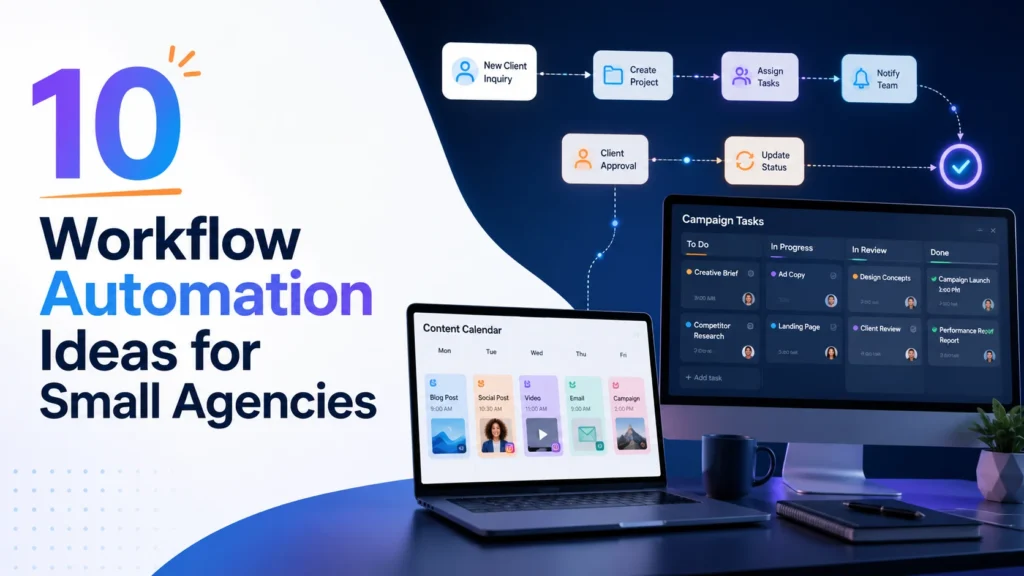
Quick answer: Ten practical workflow automation ideas for small agencies, including lead intake, proposals, onboarding, reporting, invoicing and safer rollout. A reliable result requires clear input data, named owners, controlled permissions, exception handling and a way to measure business outcomes.
10 Workflow Automation Ideas for Small Agencies in 2026 is about turning real operational friction into a repeatable system. Successful automation begins with a concrete problem: a handoff waits too long, a record is copied more than once, an approval gets lost or a team cannot tell whether a task finished. The right design makes the outcome visible, assigns responsibility and allows a safe manual route when software cannot make a responsible decision.
1. Capture and qualify inbound inquiries
Collect prospects from website forms and approved lead sources into a single CRM pipeline. Normalize contact fields, detect duplicate records and mark the requested service. Route a prospect to the appropriate owner based on service, location or workload. A language model can summarize an unclear brief but should not silently reject a valuable lead. Record form source and permission to contact. The outcome to measure is not how many records enter the CRM but how quickly a qualified inquiry receives a meaningful response.
2. Prepare proposals without inventing promises
When a sales opportunity reaches an agreed stage, copy its approved requirements into a reusable proposal template. Create review tasks for pricing, scope and contractual clauses, and send the proposal only after the assigned approver signs off. Keep a link to the final document and decision in the CRM. AI can draft a summary from approved notes but must not invent delivery deadlines, fees or case-study results. Track time from qualified opportunity to approved proposal and the number returned for corrections.
3. Standardize client onboarding
Trigger a client project when the contract is signed and the deposit or required approval is recorded. Create project folders, a template task board, kickoff agenda and requests for brand assets or access. Assign a named account owner and a deadline to each request. Do not email passwords or add broad tool permissions automatically. Send one consolidated onboarding checklist rather than a stream of separate messages. Track days to first productive milestone and the number of missing assets at kickoff.
4. Route creative and campaign approvals
Move creative assets through clear draft, internal review, client review, approved and scheduled states. Each approval should capture the reviewer, asset version, decision and time. Protect against publishing an outdated version after a late comment. Use reminders only when the agreed response window expires. For regulated claims or advertising disclosures, add specialist approval instead of relying on AI text checks alone. Track revision cycles and approval waiting time to find the real source of delivery delays.
5. Produce useful client reporting
Bring approved metrics from advertising, analytics and CRM sources into a consistent report structure. Define attribution windows and calculation rules before the automation runs. A model may turn the verified numbers into a readable first draft, but the account owner should review interpretation and recommendations. Clearly distinguish unavailable data from zero results. Report any disconnected source or suspicious change instead of silently publishing an incomplete dashboard. Measure preparation time and correction rate as well as client engagement.
6. Manage meeting notes and follow-ups
After a consent-compliant client meeting, summarize decisions, owners and due dates. Ask participants to confirm ambiguous commitments before creating external promises. Map action items to the project management tool and send a concise recap for review. Avoid assuming every conversational suggestion is an approved action. Handle recording retention and access according to the client agreement. Measure the proportion of agreed tasks with an owner and a due date, not just the number of meeting summaries generated.
7. Coordinate invoices and renewals
When a billing milestone is approved, prepare an invoice draft using verified customer and contract data. Require finance review for unusual tax, currency or scope cases. Send friendly reminders according to agreed terms, pause them when payment is recorded and provide an escalation path for disputes. For retainer renewals, notify the account owner before the renewal conversation is due. Do not allow a generative model to alter payment details. Measure overdue balance, reminder errors and time spent chasing routine updates.
8. Keep handoffs between sales and delivery clean
Transfer the approved scope, stakeholder list, goals and constraints from the sales record into the delivery project once. Highlight unresolved questions in a handoff checklist and block kickoff until the essential fields are confirmed. A project owner should acknowledge receipt to prevent “sent but not accepted” tasks. Changes later require a documented scope-change process. This automation protects margins because teams stop rebuilding context from email threads and reduce misunderstandings at the start of work.
9. Monitor campaigns and operational exceptions
Automate alerts for clear operational failures such as a broken form, missing campaign tracking, rejected API credentials or a reporting pipeline that stops updating. Assign one team member per alert and include a link to the affected asset. Set severity thresholds so every small fluctuation does not generate panic. AI anomaly descriptions can be helpful but should not replace verified data. Record whether the alert led to action and tune noisy rules monthly.
10. Build a modest internal knowledge workflow
When an approved process changes, notify affected roles and update a versioned internal guide. Route suggested edits to the process owner rather than allowing unsupervised rewriting. Searchable FAQs can help new staff, but answers should link to current policy and flag uncertainty. Set access restrictions for client-specific credentials or commercial information. Measure the time needed to find a correct answer and the number of repeated support questions. A trustworthy reference library makes every other automation easier to maintain.
Implementation controls that make the workflow dependable
Example workflow specification
A useful automation specification has six explicit fields: the initiating event, minimum required inputs, the source of truth, allowed actions, error handling and the evidence of completion. For a request that enters through a form, define which record should be created and the unique identifier used to prevent duplicates. Describe what happens if a related customer already exists, if the API is offline or if an approver rejects the request. For every external action, identify whether it can be reversed. Non-reversible actions deserve stronger controls and clear authorization. Include the expected output and a way for the next person in the process to confirm that the work was actually completed.
Practical test cases before rollout
Prepare synthetic sample records for a clean event, incomplete input, duplicate submission, incorrect permissions, unavailable destination and a late response. Test that each case creates the expected state and that a stopped workflow does not leave half-completed work invisible. Run an additional permission test using the limited credentials intended for production rather than a full administrator account. Ask a second operator to follow the troubleshooting notes without guidance from the builder. If they cannot understand what happened from the logs and documentation, the system is not ready for unattended operation. These tests establish reliability without pretending that a private benchmark already exists.
Success metrics and ongoing review
Track a baseline period and a comparable post-launch period for volume, elapsed time, human effort, error rate, manual escalations and platform usage. Use a completed business event as the unit of analysis. A report that runs instantly but requires several hours of correction is not an improvement. Where the business case depends on saved labor, account for maintenance, exception handling and review time. Audit unusual cost spikes and failures, especially after adding AI steps or changing integrations. Put a named owner and a review date beside each metric so a workflow can be improved, simplified or retired as needs change.
Security, privacy and responsible automation
Limit permissions to only the systems and fields needed for the workflow. Do not route confidential documents to an AI provider unless that use is approved under the organization’s privacy and security requirements. Avoid exposing API keys in prompts or activity logs. Set retention periods for personal data and keep a record of how automated decisions can be questioned or corrected. Human approval should be meaningful: the reviewer needs enough context to detect mistakes, not just a green button. Document how to pause the flow quickly during a data-quality incident or unexpected batch of events.
Related guides on AI Automation Hacks
Continue with business workflow automation playbook, process mapping guide, workflow automation mistakes. These guides explain adjacent stages of planning, building, operating and improving automation.
Frequently asked questions
How do I choose the first automation?
Pick a frequent, measurable process with structured inputs, low-risk actions and a clear accountable owner. Avoid starting with the most complex exception-heavy process.
Should I use AI for every workflow?
No. Use deterministic rules for exact matching, arithmetic, permissions and known policy. Add AI only when the task involves ambiguity such as summarizing or classifying free text.
Which platform is easiest for a small team?
That depends on existing applications, staff skills, permission needs and cost model. Test the complete workflow in Zapier, Make, n8n or Power Automate before choosing.
What if an automation fails?
Every production flow should create a visible failure state, notify its owner and provide a safe manual or replay option without generating duplicates.
How do I prove the workflow is useful?
Compare equivalent periods for completed events, response time, correction work, failure frequency and total operating cost. Include human review and ongoing maintenance.
Official documentation and further reading
Use the product documentation for current integration behavior and limits: Microsoft Power Automate documentation, n8n documentation, Make Help Center, and Zapier Help Center. Features and billing vary by plan and can change; confirm current conditions with the provider.