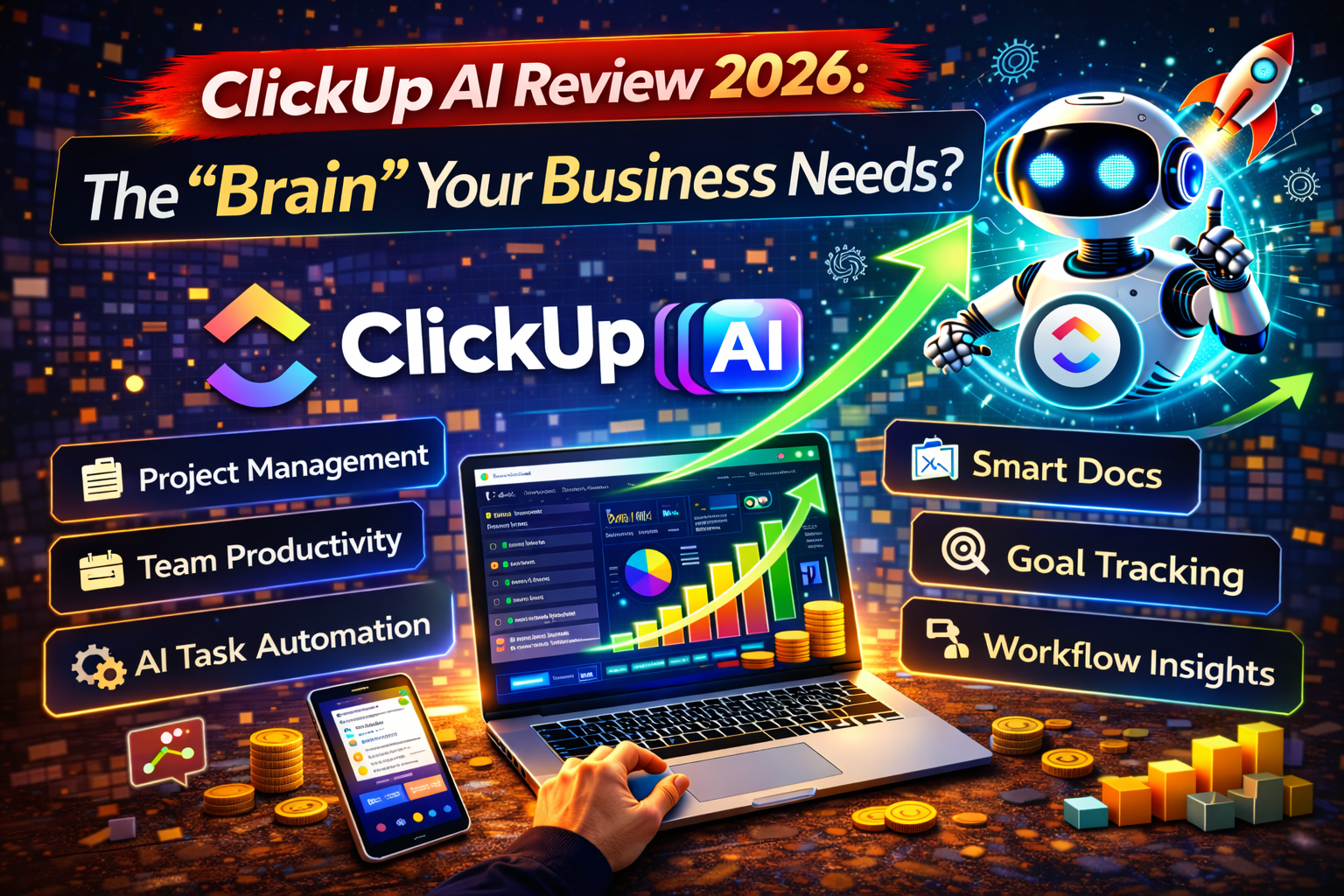
ClickUp AI (now called ClickUp Brain) is a built-in AI assistant that connects your tasks, documents, and team knowledge. In 2026, it stands out for its “Super Agents” that can autonomously assign tasks and summarize meetings. It is the best all-in-one choice for teams who want project management and AI in a single, affordable window.
What Is ClickUp AI?
ClickUp AI, officially branded as ClickUp Brain, is the world’s first “neural network” for your business. Most AI tools are just chatbots that sit in a side panel. ClickUp Brain is different. It is woven into the very fabric of your workspace.
In 2026, ClickUp has moved beyond simple text generation. It now offers Super Agents—AI teammates that you can @mention just like a human. It can “read” your entire workspace to answer questions, write status reports, and even predict if a project is going to be late before it happens. If you are tired of clicking through 50 folders to find a file, ClickUp Brain is the tool that finds it for you instantly.
Why Businesses Use Automation Tools
The goal of any business in 2026 is to “do more with less.” High-growth companies use tools like ClickUp to:
- Kill the “Busywork”: Automate the 100 small clicks it takes to move a task from “To-Do” to “Done.”
- Centralize Everything: Stop losing information in Slack threads or random Google Docs.
- Boost Team Speed: Use AI to turn a 30-minute meeting into a 2-second summary with clear action items.
- Scale Without Stress: Automation allows a small team of 3 to handle the workload of a team of 10.
Key Features Explained
1. AI Knowledge Manager
This is the “Ask Anything” feature. You can ask, “What are the next steps for the Marketing project?” and ClickUp Brain will scan your tasks, docs, and even team chats to give you a precise answer with links.
2. AI Writer & Editor
ClickUp Brain comes with hundreds of prompt templates tailored for specific roles. Whether you are a Designer, Coder, or HR Manager, the AI knows exactly how to draft your specific emails, SOPs, and project briefs.
3. AI Project Manager (Autopilot)
The AI can now automatically fill out “AI Fields” in your lists. For example, it can look at a task description and automatically summarize the sentiment, determine the priority, or write a progress update for your client.
4. AI Notetaker & Transcriber
New for 2026, the AI Notetaker joins your ClickUp SyncUp (video calls) or Zoom meetings. It creates a perfect transcript and immediately turns spoken words into trackable tasks in your project board.
Real Automation Workflow Examples
Using AIAutomationHacks.com as a guide, here is how you can put ClickUp Brain to work:
Lead Generation Automation
- The Flow: A potential lead fills out a ClickUp Form on your site.
- The Action: ClickUp Brain analyzes the lead’s website (via Web Search), summarizes their business model, and automatically assigns a sales rep based on the lead’s industry.
- Result: Your sales rep starts the call with a full “cheat sheet” on the prospect.
Email Marketing Automation
- The Flow: A task status changes to “Content Published.”
- The Action: ClickUp Brain drafts three promotional emails and five social media posts based on that content, then sends them to your marketing lead for approval.
- Result: Your distribution happens automatically the moment your content is live.
Content Publishing Automation
- The Flow: You finish a draft in a ClickUp Doc.
- The Action: Use the “Auto-Summarize” feature to create a meta description and SEO tags, then use a ClickUp Automation to send the draft to your WordPress site via the Make.com integration.
- Result: A seamless bridge between writing and publishing.
E-commerce Automation
- The Flow: A new “Refund Request” task is created.
- The Action: ClickUp Brain reads the customer’s message, tags it by “Reason for Refund,” and drafts a polite response based on your company’s policy.
- Result: Faster customer service with less manual typing.
Client Onboarding Automation
- The Flow: You mark a “New Client Contract” as “Signed.”
- The Action: ClickUp automatically applies a “New Client Template,” while ClickUp Brain creates a custom “Welcome Guide” based on the specific services mentioned in the contract.
- Result: A professional onboarding experience that takes zero minutes of your time.
“See our detailed Zapier automation guide on AIAutomationHacks.com to learn how to connect ClickUp to your favorite external apps.”
Pricing Overview (2026)
ClickUp uses a two-part pricing model: your Base Plan plus the Brain AI Add-on.
| Plan | Base Cost (Annual) | AI Add-on Cost | Best For |
| Free Forever | $0 | Limited Trial | Solo users and small tests. |
| Unlimited | $7/user/mo | + $9/user/mo | Small teams needing storage. |
| Business | $12/user/mo | + $9/user/mo | Mid-sized teams (Most Popular). |
| Everything AI | Bundle | Included | Power users ($28/mo total). |
Note: In 2026, ClickUp offers an “Everything AI” bundle for roughly $28/mo that includes unlimited use of all premium models (GPT-5, Claude 4) and image generation.
Pros and Cons
Pros
- Unmatched Value: For $9/month, you get access to premium models like GPT-5 and Claude that usually cost $20/month elsewhere.
- Context is King: The AI knows your tasks, chats, and docs—ChatGPT doesn’t.
- All-in-One: No need for separate tools like Jasper or Otter.ai.
- Human-like Agents: @Mentioning the AI in a comment to “fix this doc” feels like magic.
Cons
- The “Learning Curve”: ClickUp is very feature-heavy. It can be overwhelming for total beginners.
- Per-User Pricing: If you have 50 employees, the AI add-on cost adds up ($450/month extra).
- Occasional “AI Hallucinations”: Like all AI, it sometimes summarizes tasks incorrectly if the data is messy.
Comparison With Alternatives
| Feature | ClickUp Brain | Notion AI | Monday.com AI |
| Primary Strength | Task & Project Focus | Wiki & Docs Focus | Dashboard Focus |
| AI Agents | Yes (Super Agents) | Yes (Q&A) | Basic |
| Meeting Notes | Native Video/Audio | Text-only | Integration-based |
| Pricing | Middle-ground | Cheaper Add-on | Higher Tiers Only |
“Read our Make.com vs Zapier comparison guide to see which ‘glue’ tool works best to link ClickUp to the rest of your stack.”
Who Should Use This Tool?
- Project Managers: To automate status reports and stand-up summaries.
- Marketing Teams: To turn project briefs into social media campaigns instantly.
- Agencies: To handle client onboarding and task assignments across multiple accounts.
- Remote Teams: To use the AI Notetaker so no one ever misses a detail in a meeting.
How to Save Time and Make Money Using Automation
ClickUp Brain isn’t just a cost; it’s a profit engine. Here is how to monetize it:
- Freelancing Automation Services: Small businesses are messy. You can charge $1,500+ to set up a “Business-in-a-Box” in ClickUp with automated AI workflows.
- Building an Automation Agency: Focus on niche industries (like Law or Construction) and build custom ClickUp “Super Agents” to handle their paperwork.
- Selling ClickUp Templates: Design high-end templates (like a “Real Estate CRM”) and sell them on your own site.
- Affiliate Marketing: Use ClickUp to manage your content calendar and have the AI write your product comparison tables for you.
- Automating Your Own Online Business: By saving 2 hours of admin daily, you can spend that time closing one extra client per week.
Is It Worth It?
In 2026, ClickUp Brain is arguably the best “bang for your buck” in the AI world. While Notion AI is better for pure writing, ClickUp is far superior for getting things done. If your business revolves around tasks, deadlines, and team collaboration, the $9/month add-on will pay for itself in time saved within the first week.
FAQs
ClickUp offers a free trial of the AI features. After that, it is an add-on that starts at roughly $9 per user per month.
Yes! You can use the “Code Block” feature, and the AI can help write, fix, and explain code within your ClickUp Docs.
Yes, you can “Ask Brain” questions and use the AI writing tools directly within the ClickUp mobile app.
ChatGPT is a general tool. ClickUp Brain is “connected.” It knows who is working on what, when the deadline is, and what you talked about in your last meeting.
ClickUp is SOC 2 compliant. Your data is encrypted, and ClickUp does not use your private workspace data to train models for other companies.
Yes, the 2026 version of ClickUp Brain (Everything AI tier) includes an image generator for creating blog headers and social media posts.
Yes! You can @Brain in any comment or task, and it will respond directly to you.