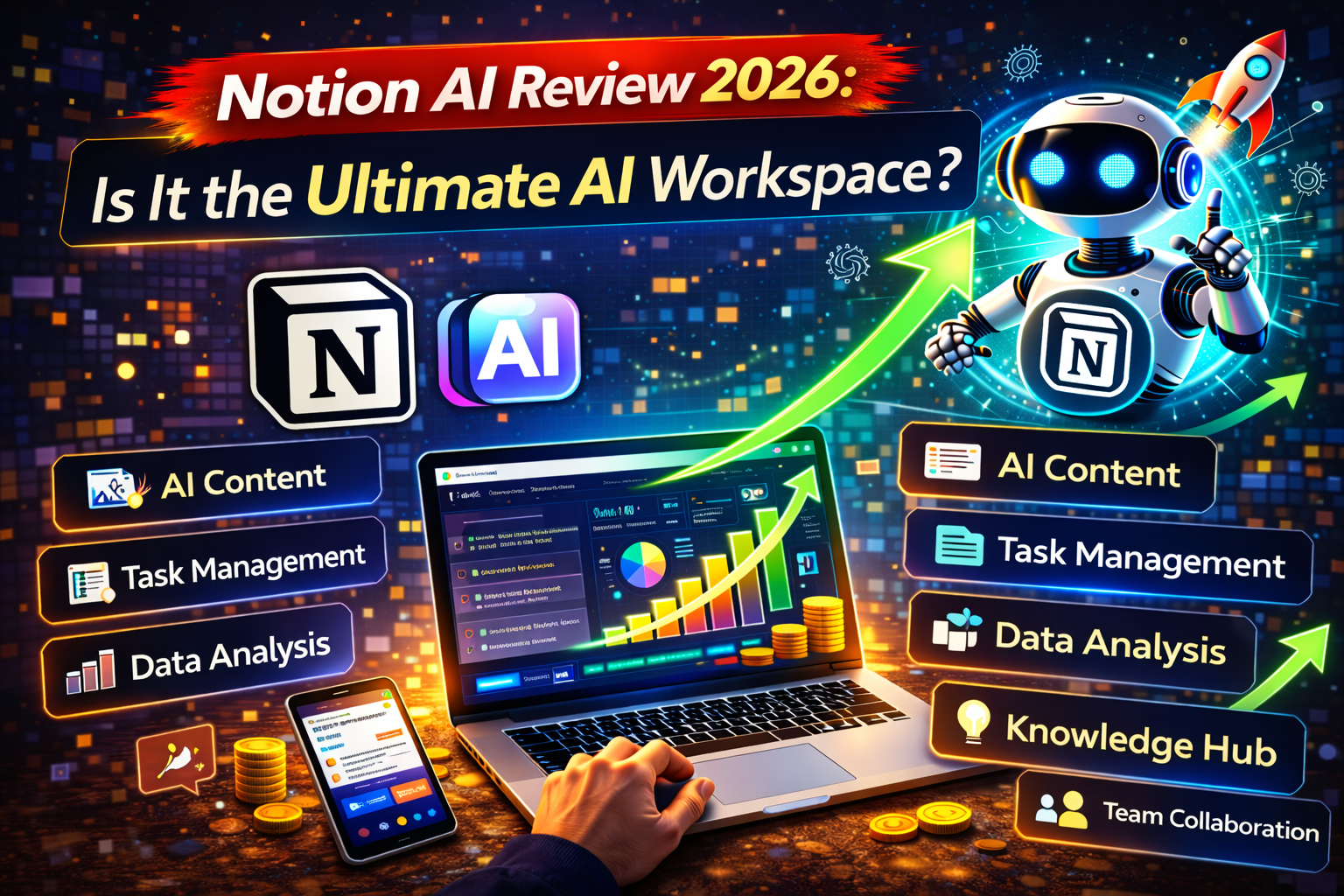
Notion AI is an all-in-one AI assistant integrated directly into the Notion workspace. In 2026, it excels at summarizing notes, generating content, and “talking” to your databases to extract insights. It is best for teams already using Notion who want to eliminate “app-switching” between project management and standalone AI tools like ChatGPT.
What Is Notion AI?
Notion AI is not just a chatbot; it is a native layer of intelligence built into your documents, wikis, and project boards. While tools like ChatGPT require you to copy and paste text back and forth, Notion AI lives where your work happens.
In 2026, the tool has evolved into a “Personal Agent.” It can now perform complex tasks like scanning your entire workspace to answer questions, drafting emails in Notion Mail, and even autofilling database properties based on the content of a page. It uses a multi-model approach, allowing users on high-tier plans to toggle between models like GPT-5 and Claude 4 to get the best results for specific tasks.
Why Businesses Use Automation Tools
The biggest drain on modern business is “context switching”—jumping between 10 different apps to get one job done. Businesses use Notion and its AI features to:
- Centralize Knowledge: Keep all meeting notes, SOPs, and project plans in one searchable place.
- Automate Content Drafting: Generate first drafts of blogs, newsletters, or reports in seconds.
- Improve Data Accuracy: Use AI to automatically tag, categorize, and summarize database entries.
- Enhance Team Speed: Quickly catch up on long discussion threads or meeting transcripts with one-click summaries.
Key Features Explained
1. AI Q&A (Workspace Search)
You can ask Notion AI questions like, “What was the feedback from the client meeting last Tuesday?” The AI will search all your pages and databases to provide a cited answer, saving you from manual searching.
2. Database Autofill
This is a game-changer for 2026. You can set a database property to “AI Autofill.” For example, if you have a “Meeting Notes” database, the AI can automatically extract “Action Items” and “Key Decisions” into separate columns as soon as you finish writing.
3. Notion AI Agents
New in 2026, these agents can execute sequential steps. You can prompt an agent to “Find all overdue tasks in the Marketing database and draft a summary email to the team lead.” It handles the search and the drafting autonomously.
4. Inline Writing Assistant
By pressing Space or /, you can ask the AI to rewrite text for a different tone, translate it into 10+ languages, or brainstorm a list of ideas for a new marketing campaign.
Real Automation Workflow Examples
Here is how you can use Notion AI on AIAutomationHacks.com to put your business on autopilot:
Lead Generation Automation
- The Flow: A new lead enters your Notion “CRM” database via a form.
- The Action: Notion AI analyzes the lead’s “Company Description” and automatically generates a 3-point personalized “Pain Point Analysis” in a custom property.
- Result: Your sales team has a ready-made talking point before they even pick up the phone.
Email Marketing Automation
- The Flow: You write a long-form blog post in Notion.
- The Action: Use Notion AI to “Generate a 3-part email sequence” based on that blog post.
- Result: You turn one piece of content into an entire week of marketing materials in under a minute.
Content Publishing Automation
- The Flow: Move a project from “Drafting” to “Ready” in your Content Calendar.
- The Action: Notion AI automatically generates SEO meta descriptions, social media captions for X (Twitter) and LinkedIn, and a 155-character meta tag.
- Result: Your distribution is ready the moment your content is finished.
E-commerce Automation
- The Flow: You paste raw customer feedback into a “Product Feedback” database.
- The Action: Notion AI performs “Sentiment Analysis” and categorizes the feedback as “Feature Request,” “Bug,” or “Praise.”
- Result: You see exactly what to build next without reading every single comment.
Client Onboarding Automation
- The Form: A new client fills out an onboarding questionnaire.
- The Action: Notion AI reads the answers and automatically drafts a “Project Roadmap” page customized to their specific goals and timeline.
- Result: A high-touch experience with zero manual drafting.
“See our detailed Zapier automation guide on AIAutomationHacks.com to learn how to connect Notion to 8,000+ other apps.”
Pricing Overview (2026 Estimates)
Notion’s pricing has become more integrated in 2026. While the core platform has a free version, full AI access is typically a paid add-on or bundled into higher tiers.
| Plan | Est. Monthly Cost | AI Availability | Best For |
| Free | $0 | Limited Trial | Individuals & students |
| Plus | $10 – $12/user | ~$8/mo Add-on | Small teams & freelancers |
| Business | $15 – $20/user | Included | Growing teams needing AI |
| Enterprise | Custom | Included | Large orgs with security needs |
Pros and Cons
Pros
- Deep Integration: No more copying and pasting from ChatGPT; the AI is right there.
- Context Awareness: It knows your “whole business” because it has access to your workspace docs.
- Visual Databases: The best UI for organizing data, tasks, and notes in one spot.
- Collaboration: Multiple people can use the AI on the same page in real-time.
Cons
- Cost: If you have a large team, the $20/user/month Business plan adds up quickly.
- Learning Curve: Beginners can feel overwhelmed by the “blank page” of Notion.
- Mobile Experience: While improved, using complex AI agents on a phone can still feel cramped.
Comparison With Alternatives
| Feature | Notion AI | ChatGPT Plus | Jasper AI |
| Best For | Organization & Docs | Research & Logic | Marketing Copy |
| Workspace Aware | Yes (Full) | No (Limited) | No |
| Project Mgmt | Built-in | None | None |
| Pricing | Bundled in Business | $20/mo Flat | $39+/mo |
“Read our Make.com vs Zapier comparison guide to see how to build even more advanced automations outside of Notion.”
How to Save Time and Make Money Using Notion AI
Automation is your secret weapon for growing a profitable side hustle or agency. Here is how to monetize it:
- Selling Automation Templates: Build a “fully automated CRM” or “AI Content Planner” in Notion and sell it as a digital product. Many creators make 6-figures selling these templates.
- Freelancing Workspace Setup: Busy founders will pay you to organize their Notion. Charge $1,000+ to set up their “Operating System” with built-in AI workflows.
- Building an Automation Agency: Offer a service where you turn a company’s messy Google Docs into a clean, AI-powered Notion Wiki.
- Affiliate Marketing with Automation: Use Notion AI to summarize tech product reviews and automatically format them into “Buying Guides” for your affiliate site.
- Automating Your Own Online Business: By using AI to handle your content scheduling and client onboarding, you can run a 100% solo business that looks like it has a team of five.
Is It Worth It?
In 2026, Notion AI is worth it if you already use Notion as your “Home Base.” If you find yourself constantly jumping between a notes app and an AI chatbot, the $8-$20 investment will save you hours of productivity every week. However, if you only need AI for one-off creative writing, a standalone tool like ChatGPT might be a better value.
FAQs
Notion offers a limited trial on all plans. Once you hit the limit, you must upgrade to the Business plan or pay for the AI add-on.
It only sees the pages you have access to. It respects all existing permission settings in your workspace.
Notion states that customer data is not used to train the underlying models for other users. Your workspace remains private.
Yes! Notion AI works on the iOS and Android apps, though it is easiest to use on a desktop for long-form writing.
ChatGPT is a general-purpose brain. Notion AI is a brain that has “read” all your company’s notes and knows how to organize them into tables and pages.
As of 2026, Notion AI focuses on text, data, and organization. For image generation, you would still use a tool like Midjourney or DALL-E.
Affiliate Disclaimer: This review contains affiliate links. If you purchase a plan through our links, we may receive a commission at no extra cost to you. This helps us keep AIAutomationHacks.com running!
Earnings Disclaimer: Examples of making money with automation are for illustrative purposes. Your success depends on your skill level, effort, and market demand. No specific income is guaranteed.
Conclusion
Notion AI is the ultimate “Operating System” for your brain. By bringing AI directly into your workspace, you stop “managing” your tools and start actually getting work done.